
Every garment, accounted for.
CleanerHawk runs the counter, tags every piece, tracks it through the plant, gets it to the customer's door and shows the owner what the day made. One system, one login, built for cleaners.
Month to month · Keeps working offline · Your data exports any time


How a garment moves through CleanerHawk
The whole business on one screen.
Sales against last period, what is ready on the rack, what is late in the plant, who owes money and which customers need a call. This is the real product, not a mock-up.

From the first ticket to the last delivery.
Each part of the day has its own screen, made for the person doing that job: the counter, the plant, the driver and the customer.
A ticket in the time it takes to say "three shirts and a suit".
Search by phone, tap the garments, add a stain upcharge, check out. Preferences, price lists and rush are already applied.
- Garment grid sized for touch screens
- Tags and receipt print together
- Keeps working if the internet drops

The plant knows where every piece is.
Scan tags at cleaning, pressing and assembly. The last scan finishes the order, records the rack and tells the customer.
- Voice prompts at the assembly station
- Due today and late at a glance
- Quick-drop bags itemized here

Routes your drivers can actually follow.
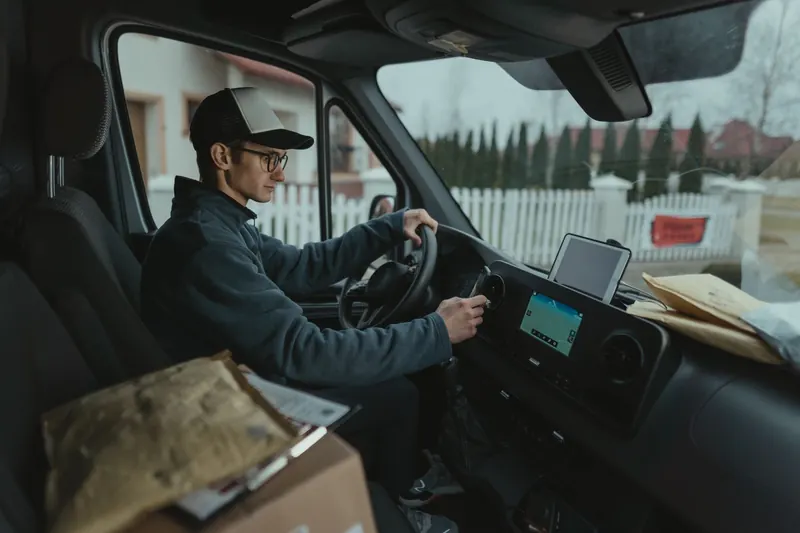
Pickup requests arrive from the customer app. Put them on a route, optimise the order and send the driver out with navigation on their phone.
- Dispatch board with a map
- Weekly standing pickups for accounts
- "Driver on the way" e-mails

Your name on their phone.
Customers see their orders, pay before they arrive, book a pickup, rate the job and collect rewards. They sign in with a code, never a password.
- Card on file and automatic payment
- Loyalty points and invite links
- Branded store app available

CleanerHawk in numbers
Everything that is in the box.
Every account gets the same modern system. Plans differ in size and in a few advanced modules, never in how well the basics work.
Counter
Write tickets, take payment and close the day.
- 01Counter POSFind the customer, tap the garments, check out.→
- 02Garment tags & barcodesEvery garment gets its own numbered tag the moment the ticket is saved.→
- 03Quick dropBusy mornings, drop boxes and regulars in a rush: the customer leaves a bag, gets a ticket number and goes.→
- 04PaymentsCash with change and an open drawer, cards on a reader, a link the customer pays from their phone, or a saved card charged automatically when the order is ready.→
- 05Cash drawer & end of dayEach register has its own drawer session.→
- 06Works offlineA cloud system should not stop your counter when the router does.→
Plant & delivery
Track every garment and get it back to the customer.
- 07Plant production trackingEach tag is scanned as it moves from cleaning to pressing to assembly.→
- 08Garment photosA photo taken at the counter settles the "was that stain there before?" conversation before it starts, and shows the customer you looked after their garment.→
- 09Pickup & deliveryCustomers book a pickup window from their phone.→
Customers
Keep customers informed, rewarded and coming back.
- 10Customer appEvery business gets its own customer app at its own link, and can publish a branded app in the stores.→
- 11Customer profilesEach customer has one page with everything: preferences, notes, open tickets, history, what they usually bring and how often they come in.→
- 12Order notifications & trackingThe moment an order is ready the customer gets an e-mail with the total, the balance and a link to track it.→
- 13Ratings & reviewsA one-tap rating after pickup tells you how every order went.→
- 14Loyalty & refer a friendPoints add up with every paid ticket and turn into store credit at the counter or in the app.→
Growth
Bring in new work and commercial accounts.
- 15Promo codes & gift cardsRun a first-visit offer, a seasonal discount or an apology, without staff guessing at the counter.→
- 16E-mail marketing & automationsPick a group of customers, write a message (or let the assistant draft one), send a test, and send.→
- 17House accountsHotels, restaurants and offices do not pay at the counter.→
- 18AI assistantFour practical uses, each where it helps: on the dashboard, in the plant, in marketing and in the customer app.→
Management
Numbers, people and locations.
- 19Reports & analyticsPick any range and see how it compares with the one before: what came in, what sold, when you are busiest, how fast orders turn around and what is still owed.→
- 20Expenses & profitSales tell half the story.→
- 21Staff, roles & time clockEveryone signs in as themselves, sees what their job needs and nothing more, and clocks in from the same screen.→
- 22Multiple locationsCustomers are shared across your stores, so they can drop at one and collect at another.→
Built around the work, not the other way round.
Cleaners count pieces, not products. Shirts go on hangers or get folded. A suit is two tags, a wedding gown is one very careful one. CleanerHawk speaks that language, from starch preferences to rack locations.

One system, many kinds of cleaner.
A single counter, a laundromat with wash & fold, a tailor, a delivery-only service, a chain with a central plant or a commercial laundry billing hotels each month.
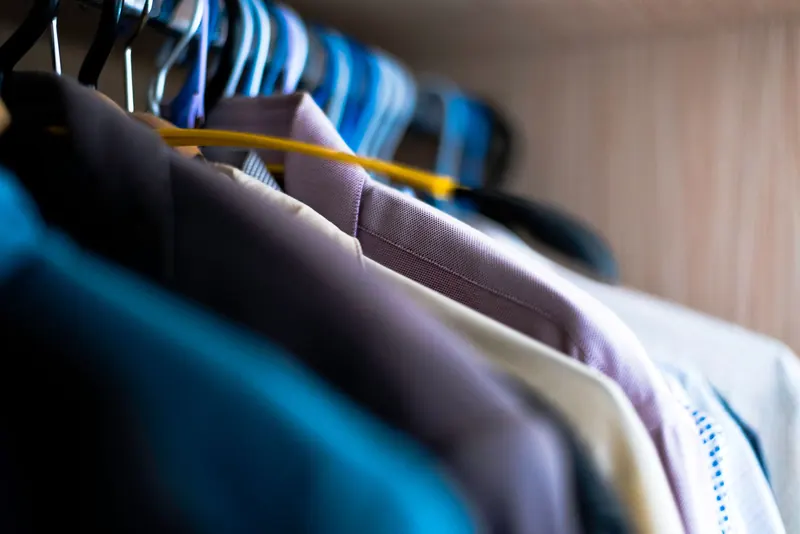
Dry cleaners
CleanerHawk runs the counter, the plant and the pickup rack from one system.
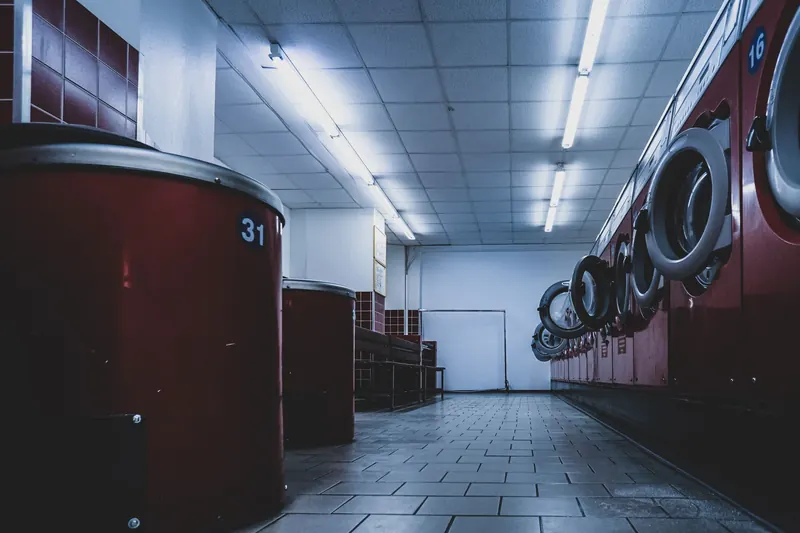
Laundromats
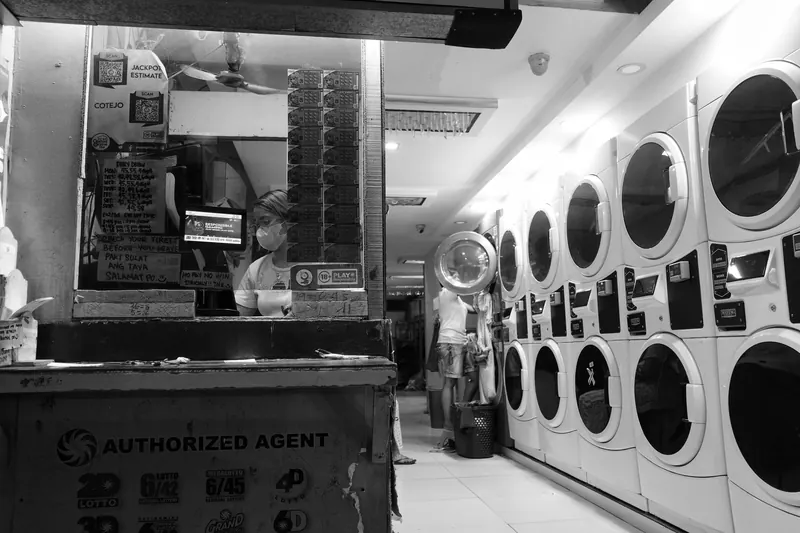
Self-service machines pay the rent, but drop-off service is where many laundromats grow.
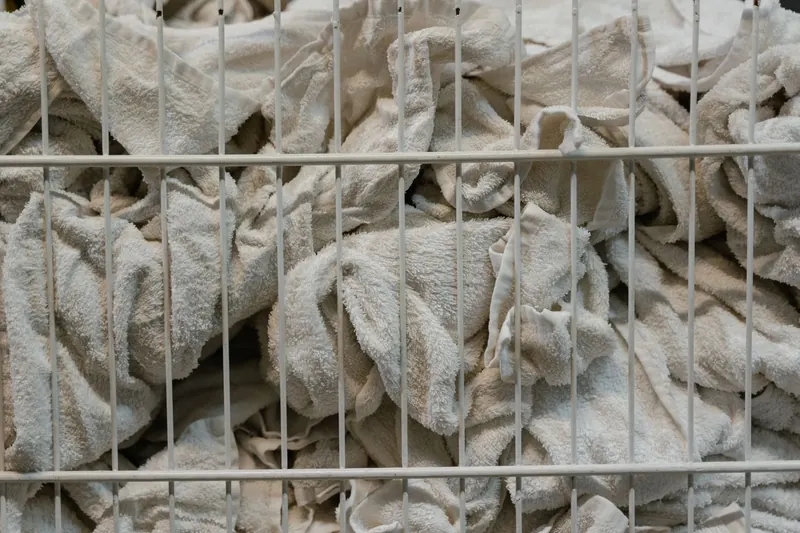
Wash & fold
Wash and fold customers want the same thing every week, done the same way.
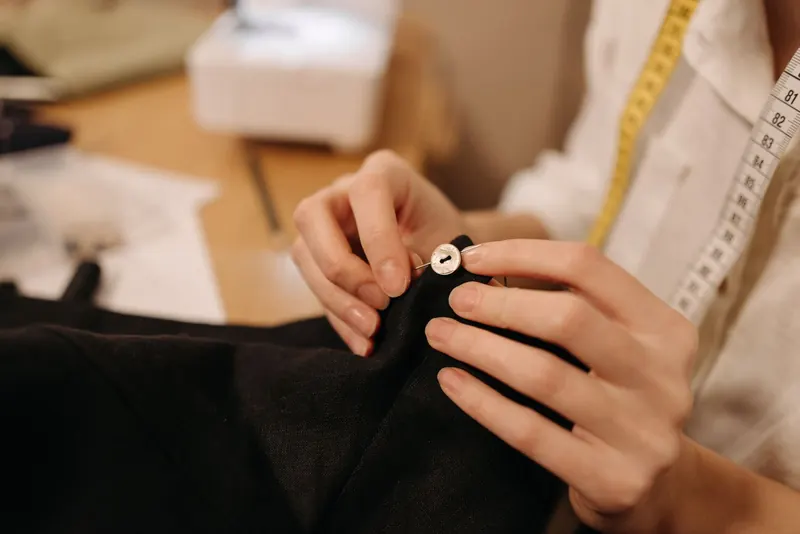
Alterations & tailoring
Alterations work lives in the details: a hem length, a pin mark, a fitting date.
Pickup & delivery
Pickup and delivery brings in customers who would never walk into a shop.
Multiple locations
Each new store adds more people, more cash and more ways for things to slip.
Commercial laundry
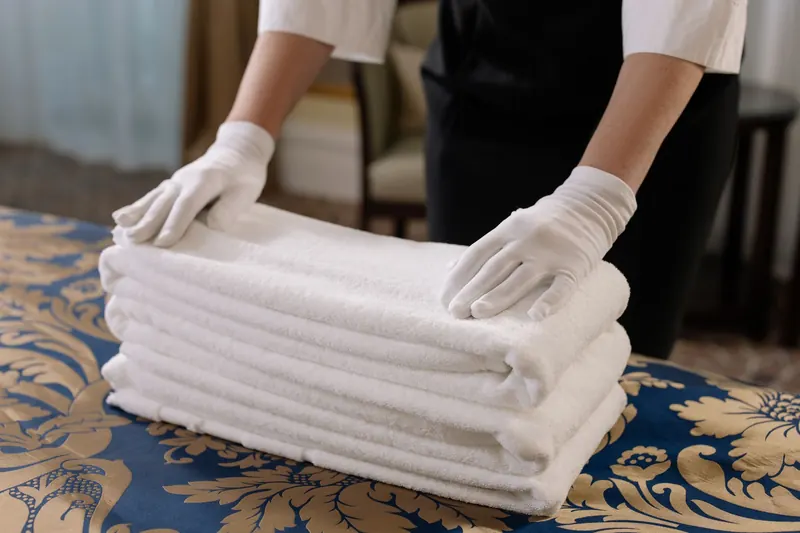
Commercial customers send large, regular volumes and expect to be billed monthly.
All solutionsNot sure where you fit?
See how CleanerHawk is set up for each type of business, or tell us about yours.
Coming from SPOT, CleanCloud or paper tickets?
Export your customer list as a CSV, preview it, import it. Bring your ticket history too, so visits and lifetime spend carry over. Run both systems side by side until you are ready.
Export customers
From your current system, as CSV or Excel. Columns are recognised by name.
Preview and import
See what will come in; duplicates are skipped, so importing twice is safe.
Bring the history
Past tickets import as history, so "customer since" is right from day one.
Plain monthly plans, month to month.
Pick the size that fits today and change plans when you grow. Every plan includes the counter, tags, customers, cash drawer and offline mode.
Starter
One store getting started: counter POS, customers, cash drawer and offline mode.
Compare plansProfessional Recommended
Growing businesses: plant tracking, e-mail notifications, price lists and full reports.
Compare plansPractical reading for owners.
Pricing, closing the day, delivery, reviews and choosing software, written for people who run a counter. All guides
What is CleanerHawk?
CleanerHawk is cloud point-of-sale and management software for dry cleaners, laundries, laundromats with wash and fold, alterations shops, pickup and delivery services and commercial laundries. It covers the counter, the plant, deliveries, customers and reports.
What devices does it run on?
It runs in the browser on Windows PCs, Macs, iPads and Android tablets, and can be installed as an app. Staff also have a native Android and iOS app.
Do I have to install anything?
No. CleanerHawk runs in the browser. To print receipts and tags, you install the free Print Bridge on the computer connected to your printers.
Can I bring my customers from my old system?
Yes. Export your customer list to a CSV or Excel file and import it. Columns are recognised automatically and duplicates are skipped. Ticket history can be imported too.
Can I try it before I pay?
Yes. There is a free trial, and you can book a demo if you would like a walkthrough first.
How much does CleanerHawk cost?
Current plans and prices are listed on the pricing page.